
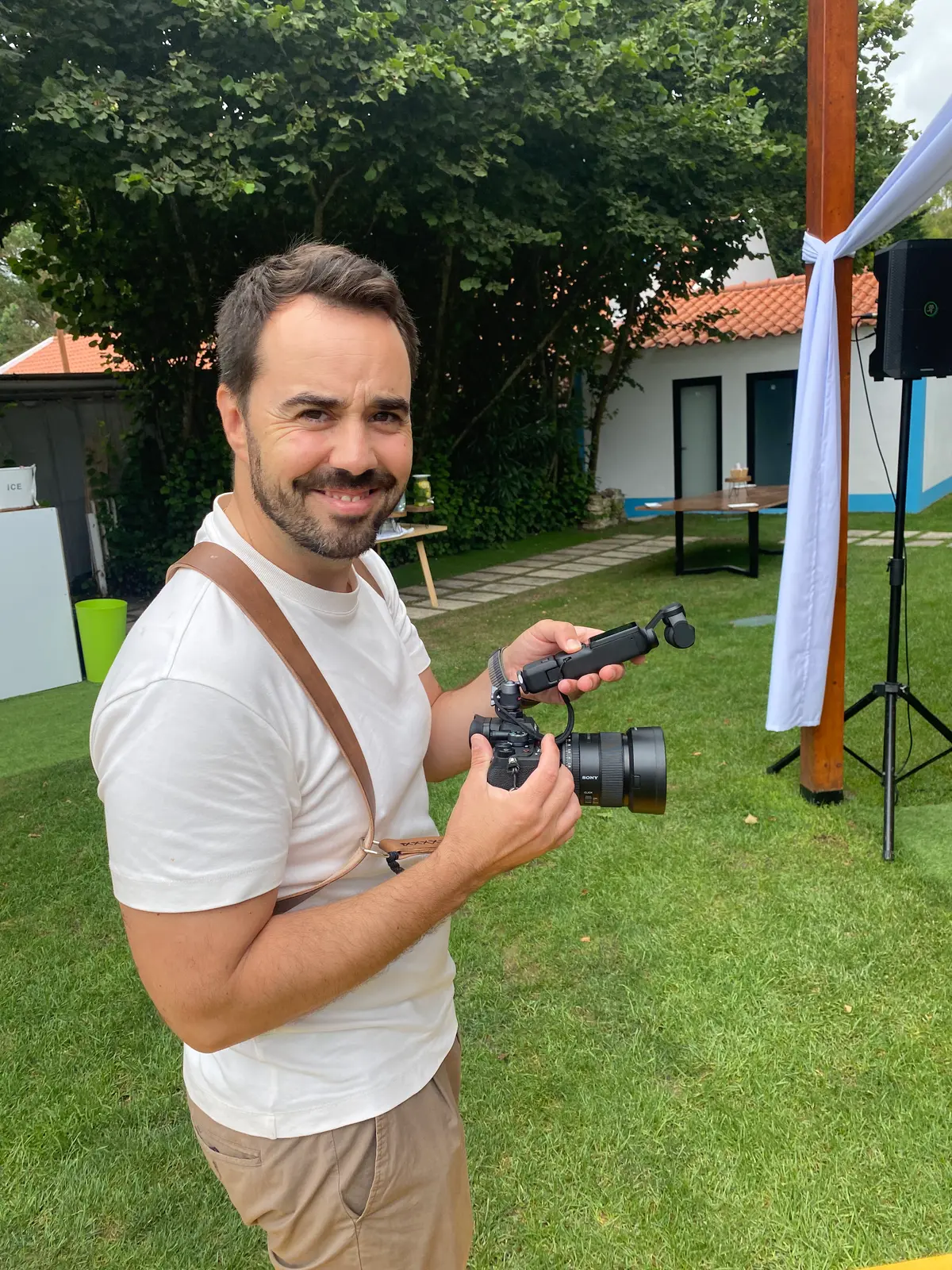
Checklist for preparing a filming day
A checklist for preparing a filming day: people, schedules, locations, sound, brand materials, permissions, drones and a plan B for a smoother shoot.
- 01
Confirming people, times and access in one message the day before prevents conflicting versions.
- 02
Light, noise and weather should set the order of locations in the day plan.
- 03
Location, image and drone permissions belong in pre-production, never on the morning of filming.
- 04
A prioritised shot list and a plan B protect the essential shots when something goes wrong.
Quick answer
To prepare a filming day, confirm four things in advance: who appears and when, what state the spaces will be in (light, sound and access), which brand materials and permissions are needed, and what the day plan looks like, with room for the unexpected. Bring it all together in a simple call sheet and send one confirmation the day before. The crew then arrives on location to film, not to sort out logistics.
Why preparation decides the quality of the day
A filming day is more productive when the essential decisions have already been made. Preparation does not mean controlling everything. It gives the crew room to observe, adapt and capture better work once the camera rolls.
At DropMedia, the filming day is the third stage of a process that starts with the brief and moves through pre-production. If the objective, the message and the formats are still open on the day, those questions end up consuming time that should be spent filming. That is why, before this checklist, it is worth reading our guide on how to prepare an audiovisual brief.
The list below works for a company film recorded at your premises, a social content session or interviews for a case study. Adjust the depth to the size of the project, but do not skip categories.
People and schedules
People are the hardest resource to replace on a filming day. A location can be swapped and a shot can be rethought, but a spokesperson who does not turn up almost always forces the whole day to be reorganised.
What to confirm
- Who needs to appear, in which scene and for how long.
- Each person's arrival time and the real window in which they are available.
- Phone numbers for everyone, including whoever receives the crew on site.
- Exact addresses, parking, loading access and building entry rules.
Interviews
For interviews, allow a few minutes before recording for a welcome, fitting the microphone and a short conversation about context. Someone who walks straight from a meeting to the camera needs time to slow down. Share the themes in advance, but avoid handing out written answers to memorise: the result tends to sound read.
Clothing
Ask for comfortable clothing that suits the context. Very fine patterns, such as narrow stripes or small checks, can create unwanted visual effects on camera. Prominent third-party brands and colours very close to the background should also be reviewed before the day.
Spaces, light and sound
Availability and appearance
Make sure locations will be free at the scheduled time and visually ready. An office filmed on a Monday morning does not look the same as on a Friday afternoon. If the space is shared, let the teams who work there know.
Noise
Sound is often what gives away rushed preparation. Identify noise sources: air conditioning, machinery, fridges, building work next door, traffic, a nearby school at break time. Switch off what you can during takes and agree with whoever manages the space who is allowed to do so.
Natural light and weather
Natural light changes throughout the day. Order locations accordingly: exteriors and rooms with large windows when the light works in your favour, controlled interiors for the rest of the day. For outdoor scenes in Portugal, check the hourly forecast by locality from IPMA, which is updated twice a day, and check it again the day before. A forecast guarantees nothing, but it helps decide whether the exterior stays in the morning or moves to plan B.
Brand, product and wardrobe
Gather logos, packaging, uniforms, prototypes, signage and anything that must appear on camera. Check that they are clean, current and available in sufficient quantity. A product in old packaging, a uniform with the previous logo or a scratched prototype means avoiding shots or fixing things in post-production.
Think too about what must not appear: whiteboards with internal information, screens showing client data, documents on desks, equipment that is out of service. It is easier to remove these beforehand than to discover them in the edit.
Documents, permissions and drones
Secure the location, image and operational permissions the project requires.
- Location: if the space is not yours, ask the owner or manager for written permission. Public spaces may require contact with the body that manages them.
- Image: people on camera should know what the video is for and where it will be used. Collect permissions before filming, not afterwards.
- Minors: if minors appear, consent from their legal guardians must be in place before the day.
- Aerial filming: drone use is subject to its own rules.
For drones in Portugal, ANAC applies the European framework, which divides operations into open, specific and certified categories. Even in the low-risk open category, EASA sets limits such as flying below 120 metres and keeping horizontal distances from uninvolved people that depend on the subcategory. In practice, aerial filming has to be planned in advance: flight area, timing, people on site and permissions. It is not something to add on the morning of the shoot.
A realistic day plan
The call sheet
A simple call sheet should list contacts, times, addresses, running order, crew and key notes. It should fit in a document that is easy to read on a phone. Scripts, questions and shot lists can be linked, but should not bury the operational information.
Items that are often missing:
- Weather forecast and the alternative plan.
- Meal times and location.
- Who decides on the client's behalf during the day.
- Clothing notes for each participant.
- Special conditions: restricted areas, protective equipment, quiet hours.
Margin
Include time for setup, travel, repeats and contingencies. A schedule with no margin looks efficient on paper but makes production fragile. Rigging light and sound for an interview often takes longer than the interview itself, and every change of location means packing down, moving and setting up again.
Assign preparation by owner
Sharing preparation stops one person from trying to solve everything on the morning of filming. The client protects people, access, products and approvals. Production coordinates crew, schedule, equipment and safety. The location and participants confirm availability and real conditions.
| Owner | Up to 48 hours before | On the day |
|---|---|---|
| Client | Confirm people, product and messages | Keep a decision owner available |
| Production | Finalise call sheet, crew and equipment | Brief safety and sequence |
| Location | Validate access, power, sound and movement | Keep spaces ready and support identified |
| Participants | Understand time, clothing and role | Arrive with margin and silence phones |
A fifteen-minute room check
Before the crew sets up, walk through the likely frame and remove only what distracts: loose cables, packaging, cups, confidential papers and unauthorised brands. Check lights, air conditioning and noise. Reserve one area for equipment and another where people can wait without walking into shot. For interviews, provide water and a quiet moment for the participant to understand the conversation before recording.
Keep these to hand for quick decisions
- Final spelling of names and job titles.
- Vector logos and brand guidelines.
- Current products or equipment.
- Image and location permissions where required.
- A contact who can approve changes on the spot.
- A list of items that cannot appear for safety or confidentiality reasons.
The day before and the first hour
The day before, confirm everything through one contact: times, addresses, participants, weather and any changes to the running order. Avoid changes scattered across several conversations. If something has changed, update the call sheet and resend it to everyone, clearly marked as the final version.
In the first hour of the day, the priority is to welcome the crew, open up access and show them where to set up. Whoever represents the client should be there at that moment, even if they are only called on for occasional decisions afterwards. An organised first hour usually sets the pace for the rest of the day: the crew can focus on the content instead of searching for people, materials or decisions.
Common mistakes to avoid
- Scattered changes: moving the time by email with one person and by message with another. Use one channel and one contact.
- Too many scenes in one day: cramming everything in reduces variety and leaves little room to repeat.
- No decision-maker on hand: if nobody can approve a change, the crew either waits or decides alone.
- Forgetting formats: if the video will have vertical versions for reels and stories, say so beforehand. Framing for 16:9 and 9:16 at the same time is a filming decision, not only an editing one.
- Leaving permissions to the last minute: one missing permission can rule out a location or an aerial shot.
A plan B is not a lack of confidence
Rain, delays, noise, absence or access problems can happen. Decide in advance what can change order, which alternative space exists and which shots are essential. The crew reacts better when it knows what to protect first.
A useful exercise is to split the shot list into three groups: essential, important and nice to have. If the day goes badly, the first group is secured. If it goes well, there is time for the third.
How DropMedia prepares a filming day
On DropMedia projects, pre-production ends with a filming plan shared with the client: running order, times, crew, technical resources and owners. At events such as Polaris Day 2026 or trade fairs such as Tektónica 2026 for Pintura Agreste, where the space changes through the day and nothing can be repeated, that preparation matters even more. For drone work, the team includes FPV pilots and treats flight planning as part of pre-production.
Filming is followed by post-production and delivery in the formats each channel needs. To see how preparation affects the overall timeline, read how long audiovisual production takes. For the full process from proposal to delivery, see the Commercial page.
References
- Hourly forecast by locality, IPMA
- Drones: remotely piloted civil aircraft, ANAC
- Open category: low-risk civil drones, EASA
Frequently asked questions
How far ahead should I start preparing a filming day?
People, locations and permissions should be confirmed during pre-production, not in the week of the shoot. The owner table sets the 48 hours before filming as the limit for final confirmations.
What should an interview subject wear?
Comfortable clothing appropriate to the context, without very fine patterns or unauthorised brands. The crew can advise on colours once the set is known.
Must every shot be fixed before filming?
No. A shot list split into essential, important and nice to have sets priorities while leaving room to adapt to the location and to what happens on the day.
Can I ask for drone footage on the day?
It is not advisable. Aerial filming is subject to European rules applied in Portugal by ANAC, so the flight area, timing and people on site need to be planned during pre-production.
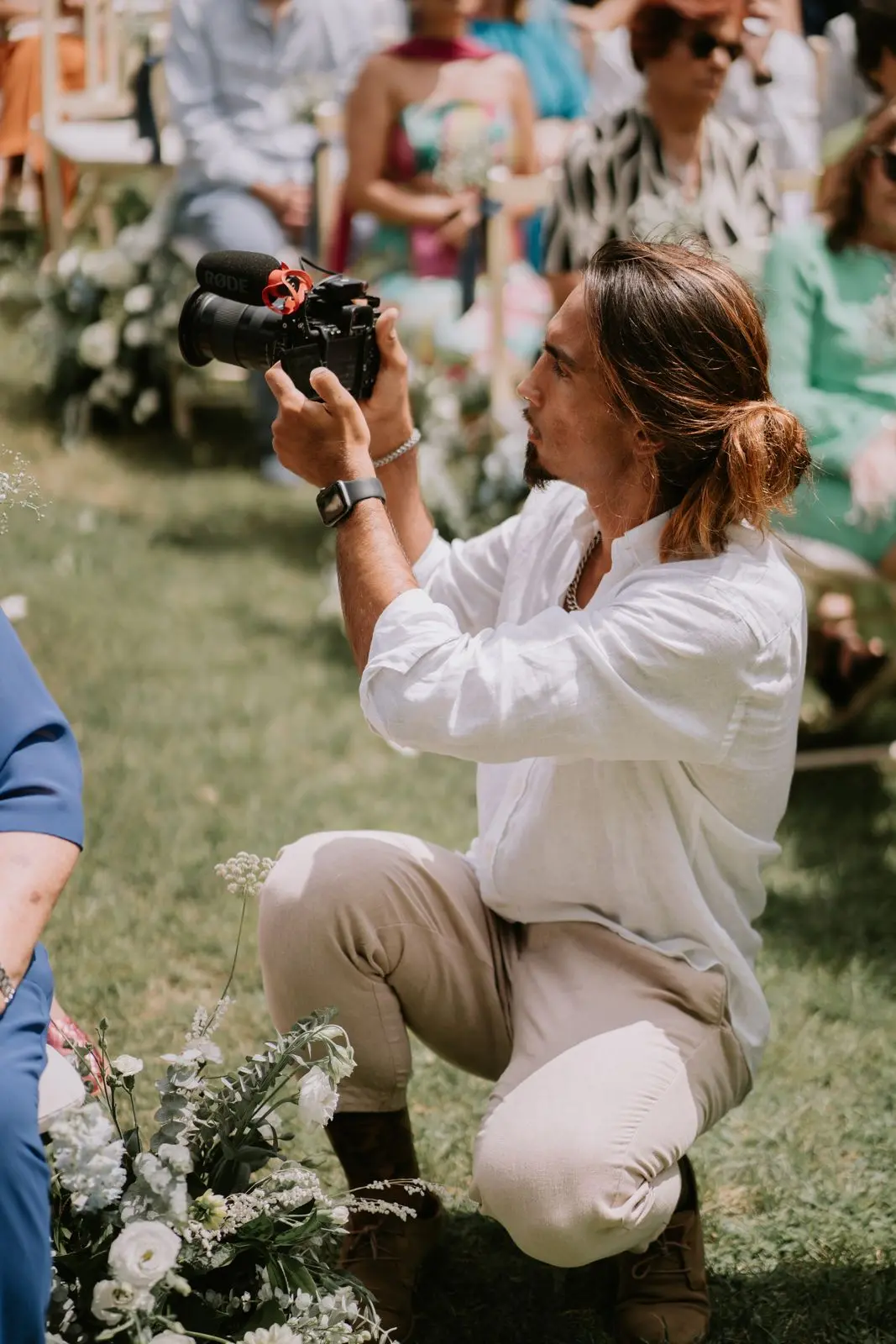 Production
How long does audiovisual production take?
How long does audiovisual production take? The stages from briefing to delivery, what really drives the timeline and how to avoid delays without losing quality.
- production timeline
- pre-production
- filming
 Strategy
How to prepare an audiovisual brief that prevents rework
A practical guide to writing an audiovisual brief: observable goals, audience, formats, approvals and constraints settled before filming to prevent rework.
- audiovisual brief
- video production
- planning
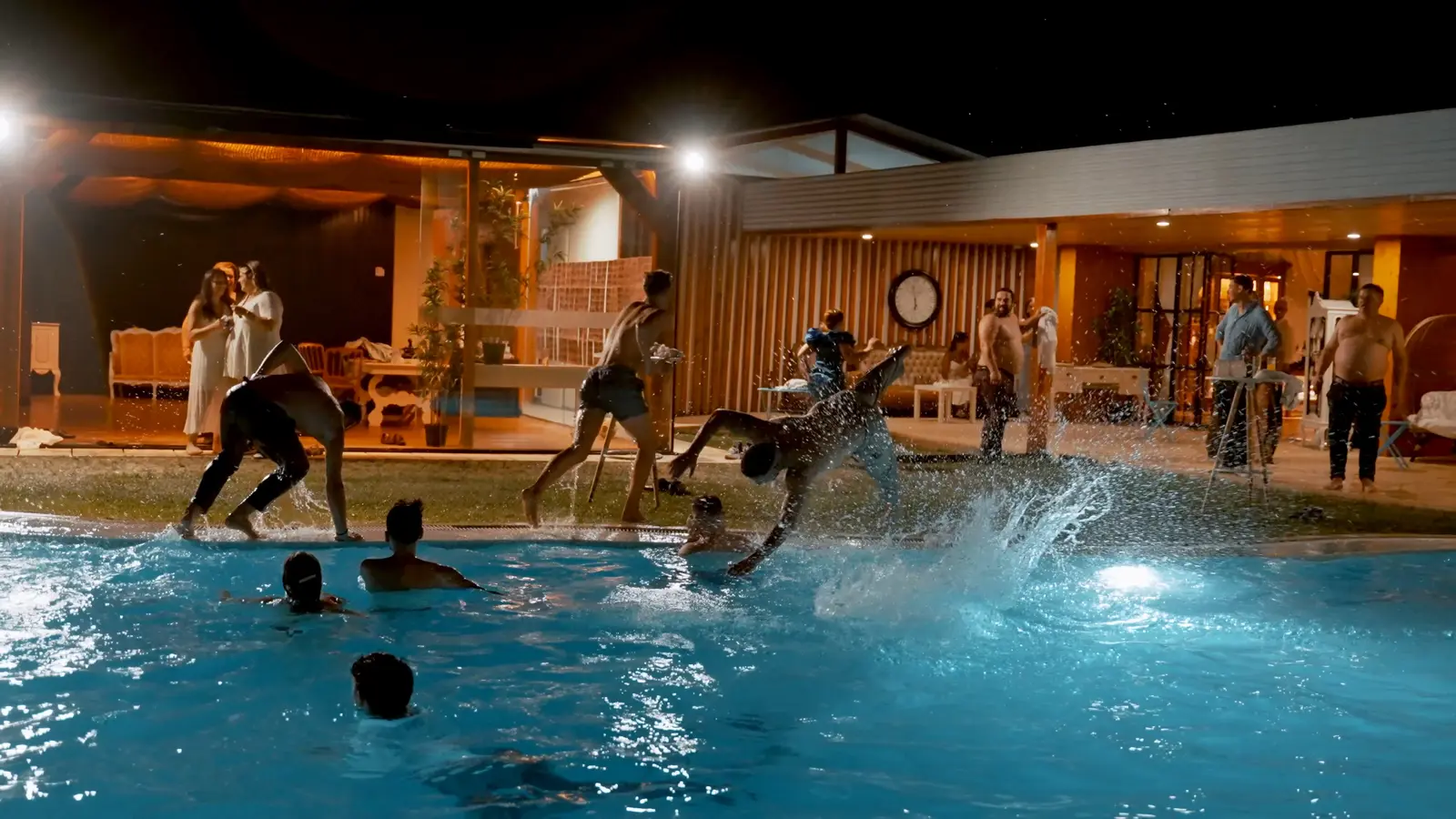 Production
Horizontal, vertical and social video: planning formats without remaking the production
Plan 16:9, 4:5 and 9:16 vertical video, safe areas and captions before filming, so every social version looks intentional without remaking the production.
- vertical video
- horizontal video
- social formats