

How long does audiovisual production take?
How long does audiovisual production take? The stages from briefing to delivery, what really drives the timeline and how to avoid delays without losing quality.
- 01
Production timing depends on scope and decisions, not on the video's running time.
- 02
Pre-production protects the filming day and is where permissions such as drone flights are handled.
- 03
Captions and format versions are real work and belong in the schedule.
- 04
Separating work dates from decision dates makes dependencies visible.
Quick answer
An audiovisual production takes as long as its decisions take: the timeline depends less on the length of the video than on the number of people, locations, formats and approval rounds involved. Every project moves through briefing, pre-production, filming, post-production and delivery, and each stage has its own dependencies. That is why the right schedule can only be set once the real scope is known, not from a generic average.
Why there is no standard timeline
A sixty-second film may require more preparation than a longer event recap when it includes casting, several locations or multiple approval teams. Conversely, an event video with a familiar structure can move quickly, because many decisions are already made by the event programme itself.
Instead of asking "how many weeks?", it is more useful to ask "what has to be decided, by whom and when?". The answers explain most of the difference in timing between projects. The factors that usually weigh most are:
- Number of decision-makers: every approver adds a review window.
- Number of locations and filming days: each location needs confirmation, travel and setup.
- People's availability: spokespeople, clients and guests with difficult diaries.
- Number of pieces and formats: a main film with several versions is not a single delivery.
- Special elements: drone footage, motion graphics, original music, subtitles in several languages.
- Scope changes: new messages or formats that appear halfway through.
None of these factors is a problem in itself. A project with five approvers and three locations can run smoothly if everyone knows their role and dates from the start. Delays usually come from dependencies that nobody mapped: a speaker who only confirms the week of filming, a legal team that sees the edit for the first time at the end, or a vertical version requested after the footage has been shot.
The stages of an audiovisual production
At DropMedia, every project follows the same path: briefing, pre-production, filming, post-production and delivery. What changes is the depth of each stage.
1. Briefing and proposal
The first stage turns the request into a concrete need. The team confirms objectives, audience, formats, timing and production constraints. It also identifies what still has to be decided before the budget and working plan can be closed.
This stage is quick when the client arrives with a defined objective, audience and channels. It slows down when the video serves several departments with different expectations. Our guide on how to prepare an audiovisual brief helps shorten it.
2. Pre-production
Scripts, interview questions, shot lists, schedules, crew, equipment, locations and permissions are prepared here. Pre-production protects the filming day. The more people and places involved, the more margin is needed for confirmations.
Some elements have lead times that do not depend on the production team. Drone filming, for example, is subject to European rules applied in Portugal: even in the open category, EASA sets altitude limits and distances from uninvolved people that have to be built into the plan for location and timing. Location and image permissions follow the same logic: they belong here, not on the day before.
3. Filming
Filming time includes technical setup, lighting, sound, travel and contingencies, not only the minutes when the camera is recording. Cramming too many scenes into one day can reduce variety and quality. A realistic plan leaves room to repeat, adjust and respond to what is happening in the space.
To arrive well prepared at this stage, use the checklist for preparing a filming day.
4. Post-production and review
Once the footage has been organised and safely backed up, editing, sound design, music, colour, graphics and captions begin. The first cut establishes structure and rhythm. Further rounds should work from consolidated feedback, with one person responsible for approval.
Captions are a good example of work that looks small and is not. The W3C explains that automatically generated captions do not meet accessibility requirements unless they are confirmed to be fully accurate, and that they usually need significant editing. Checking names, technical terms and timing takes time and belongs in the schedule.
5. Delivery and versions
Delivery is rarely a single file. A project may include the main film in 16:9, a 1:1 version for the feed, 9:16 cuts for reels and stories, subtitled versions and short cut-downs. Each platform has its own rules: YouTube states that the standard aspect ratio on a computer is 16:9 and that the player adapts to other ratios, advising against adding black bars to the video itself. Each adaptation means reframing, adjusting graphics and exporting, and some need fresh approval.
What each stage must produce
A useful schedule shows decisions, not only activity. Pre-production can look stalled while it waits for availability, permissions or script approval. Editing can progress technically and still be blocked by scattered feedback. A useful plan therefore names the deliverable, owner and dependencies for each stage.
| Stage | Expected outcome | Common blocker |
|---|---|---|
| Briefing | Objective and scope approved | Missing decision-makers |
| Pre-production | Script, schedule, locations and crew confirmed | Access or people still pending |
| Filming | Planned material captured and backed up | An unrealistic day plan |
| Edit | A first narrative ready for review | Contradictory feedback |
| Finishing | Sound, colour, graphics and versions approved | Late changes to scope |
Why one filming day is not a one-day project
On a project with one interview, supporting footage and two versions, the start is used to align message, questions and location. Scheduling, a technical recce and preparation follow. After filming, the footage is organised and backed up before a first edit can exist. That version needs time with the right reviewers. Only then do finishing and exports begin.
This example is not a promise of timing. It shows that the length of a project is the sum of work and of waiting for decisions. Compressing is possible when scope, access and approvals are simple, but it should be a conscious choice, with the client aware of what is at risk.
How different project types change the schedule
Company film
A company film usually has the longest pre-production: you need to decide which story to tell, who speaks and which spaces represent the business. Approval often involves management, marketing and HR.
Event video
With event video, the date is fixed and nothing can be repeated. Preparation focuses on the programme, key moments and access. On projects such as Polaris Day 2026, the challenge is to capture what happens well; post-production can run at different speeds, with a quick piece for social media and the full film later.
Campaign or recurring content
A campaign with several pieces multiplies versions and approvals. Recurring content, on the other hand, speeds up over time, because format, tone and owners are settled after the first cycles.
Video case study
In a video case study, the schedule depends on two companies: yours and the client giving the testimonial. The interviewee's availability, permission to show their premises and the client's final sign-off on the wording add steps worth planning from the start.
How to build a schedule that works
Before looking at dates, list the decisions. For each stage, answer three questions: what must be ready, who approves it and what happens if approval is late. Only then add dates, working backwards from the moment the video needs to be published.
A useful schedule includes at least:
- The date the video must be in use, not only the date the file is delivered.
- The filming day or days and the deadlines for confirming people and locations.
- The delivery date for the first cut and the deadline for consolidated feedback.
- A second review round following the same logic.
- The point at which captions, versions and formats for each channel are signed off.
If the publication date is fixed, for example a product launch or a trade fair, working backwards quickly shows whether the scope fits the time available. When it does not, there are three levers: fewer pieces, simpler filming, or staggered delivery with a priority version first and the rest later. Any of these is better than squeezing every stage at once.
Reduce time without removing quality
- Appoint one person to consolidate feedback.
- Approve message and structure before filming.
- Confirm people, locations and assets early.
- Define every important format before filming, not afterwards.
- Reserve review time in decision-makers' calendars.
- Keep production questions in one channel.
- Send logos, typefaces and brand guidelines at the start.
Quick replies help, but clear decisions help more. One round of consolidated feedback is worth more than scattered comments over several days.
Mistakes that delay projects
- Review by committee with no owner: everyone comments separately and the requests contradict each other.
- Changing the message after filming: it forces a search in the footage for something that was not captured with that intention.
- Adding formats at the end: a vertical cut planned after filming may lack shots that work in 9:16.
- Late legal or compliance approval: it arrives once the edit is locked and reopens decisions.
- Missing brand assets: low-resolution logos or typefaces still to be sent hold up graphics at the end of the process.
Signs the deadline needs revisiting
A change of concept, a new location, an unavailable speaker, additional versions or late legal sign-off all change real dependencies. The best time to revise the schedule is when the change happens, not the day before delivery. A clear update protects quality, the team and expectations.
How DropMedia sets a timeline
At DropMedia, the timeline is proposed after the briefing, based on the real scope: number of filming days, locations, people, pieces and formats. The schedule shows the team's delivery dates and the client's decision dates, so both sides know where each dependency sits. The Commercial page explains the full process from proposal to delivery.
References
- Open category: low-risk civil drones, EASA
- Captions/Subtitles, W3C Web Accessibility Initiative
- Video aspect ratio, YouTube Help
Frequently asked questions
Can a video be produced in one week?
It can be possible for simple projects with immediate decisions and secured access. Timing should only be committed once people, locations, formats and approvers are confirmed.
How many revision rounds are recommended?
Two consolidated rounds are enough for many projects, provided one person gathers the feedback and the decision dates are in the schedule.
Do social media versions add time?
Yes, because each format means reframing, adjusting graphics, captioning and exporting. Defined before filming, the impact is smaller than when they are requested at the end.
If the publication date is fixed, what can be adjusted?
You can reduce the number of pieces, simplify filming or deliver a priority version first and the rest later. That is better than squeezing every stage at once.
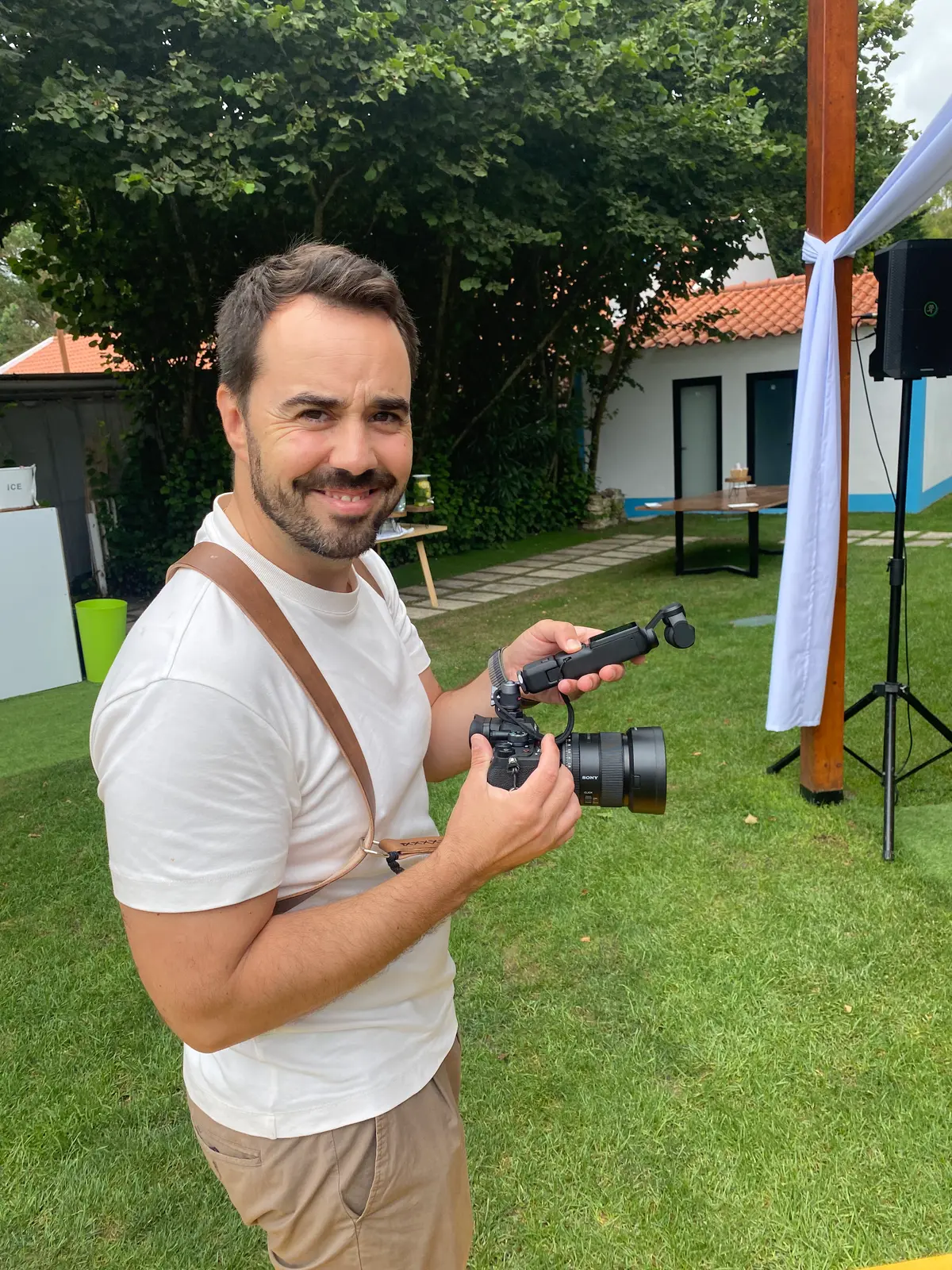 Production
Checklist for preparing a filming day
A checklist for preparing a filming day: people, schedules, locations, sound, brand materials, permissions, drones and a plan B for a smoother shoot.
- filming checklist
- production day
- call sheet
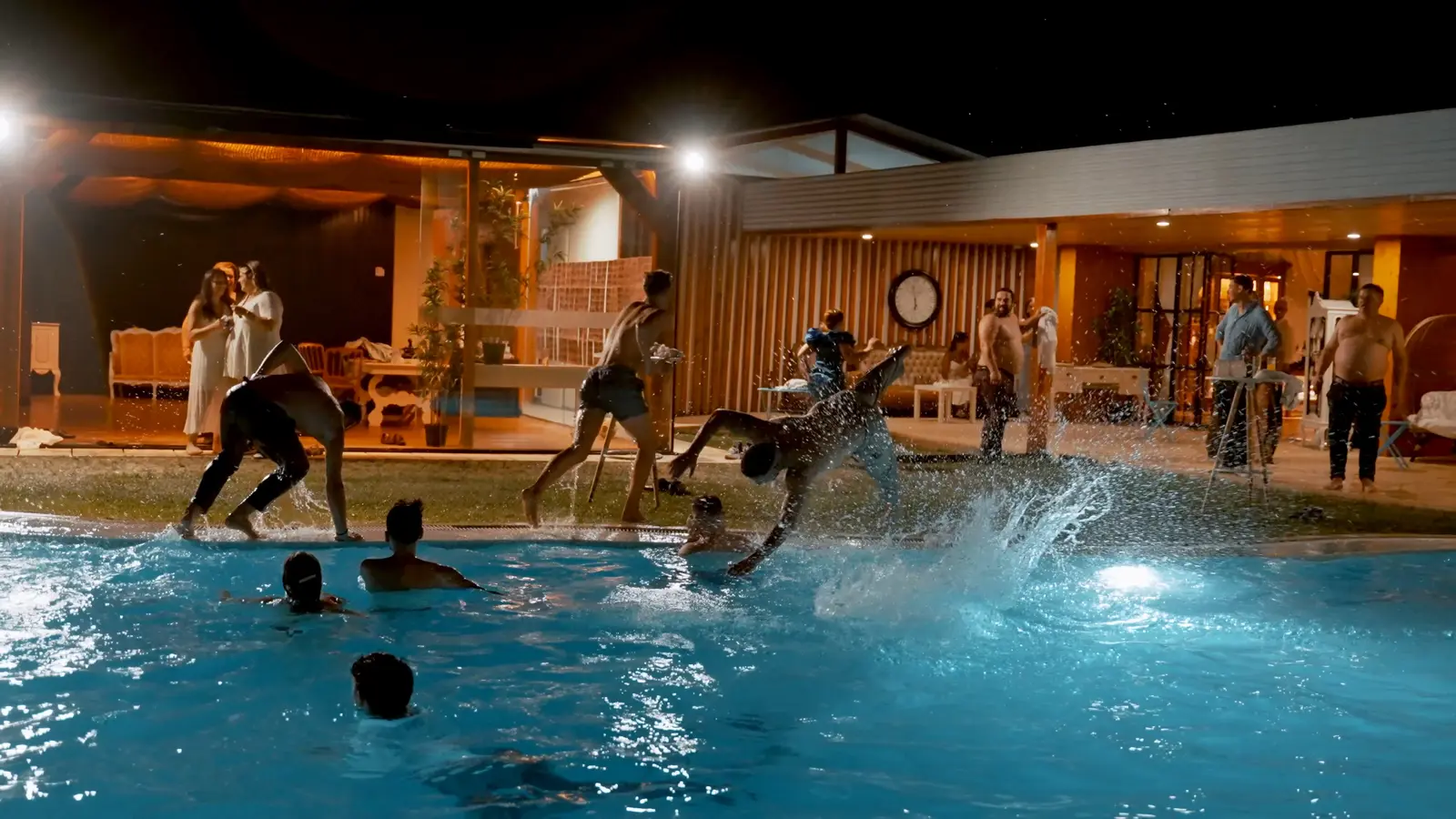 Production
Horizontal, vertical and social video: planning formats without remaking the production
Plan 16:9, 4:5 and 9:16 vertical video, safe areas and captions before filming, so every social version looks intentional without remaking the production.
- vertical video
- horizontal video
- social formats
 Production
Event video: what to produce before, during and after
How to plan event video in three stages: content before, filming and fast edits during, main film and extracts after, with music and consent handled.
- event video
- aftermovie
- audiovisual event coverage